Lost Habitat character creation tool restored

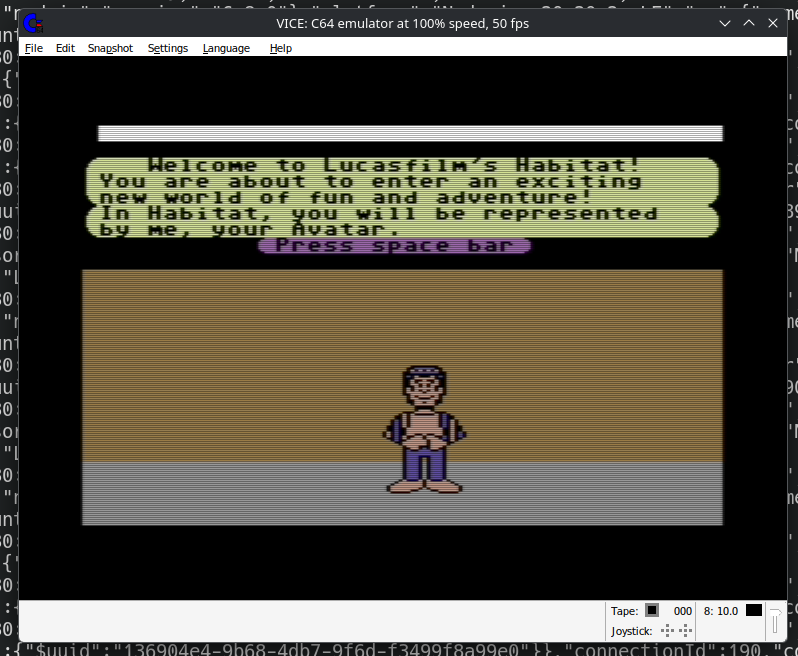
There has been a flurry of activity around NeoHabitat recently thanks to the efforts of Steve Salevan, who did a huge amount of work on the initial restoration effort to get Lucasfilm's Habitat back online.
In order for our Commodore 64 client to work, we needed something to translate its output into something our modern day server could use and vice versa. Randy Farmer who is the co-creator of Habitat, wrote the original client and leads the NeoHabitat project created something to serve this purpose. He called it the bridge.
It's an essential piece of software that makes things work seamlessly so the Habitat client has no clue it's not talking to a 1980's mainframe computer running Stratus VOS as an operating system.
Steve recently decided to port the original bridge that Randy made from JavaScript to a language called Go. This has shaken out a ton of bugs and made the service much more stable. If you ever visited NeoHabitat in the past and found you would time out and lose connection occasionally, that's no longer an issue thanks to version 2 of the bridge.
I found this so inspiring that it made me look at the issues on GitHub we'd been filing since the projects inception back in 2017. One of those issues was to restore the original hatchery for Habitat.
In Habitat terms, a hatchery is the first place you appear when you login to the world and it's where you can usually select your name, modify your appearance and receive guidance on how to control your avatar. This term was also used for WorldsAway later on.
In the original Habitat, if you didn't have an avatar associated with your account, the server would send your client a special message which triggered the character customization sequence (aka hatchery).
In NeoHabitat, it was deemed low priority to restore this because the main focus was getting things back online and working correctly and it does function fine without it.
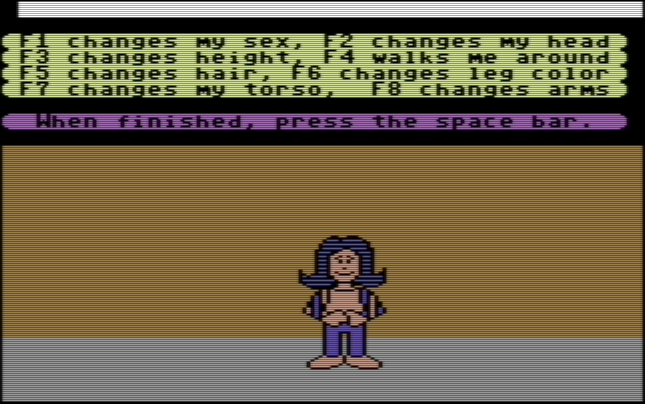
But this is one of the first (if not possibly THE first) example of a graphical character customization screen for creating a new character for an online service.
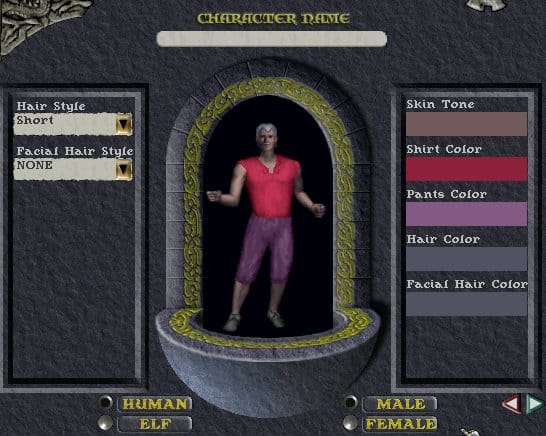
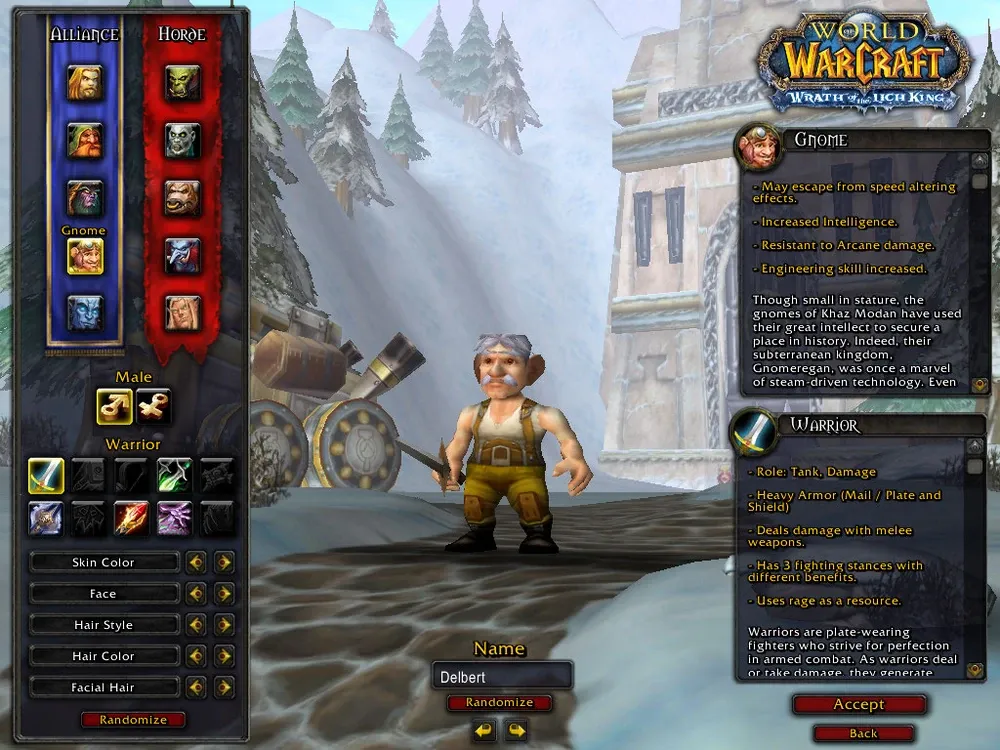
Think of more modern MMORPG's such as Ultima Online, World of Warcraft, Guild Wars 2 and my personal favourite, Final Fantasy XIV. All of them feature something that's not too far removed from the original Habitat implementation of this concept. It's kind of crazy when you think Habitat did this back in 1987/1988.
Selecting your skin color, changing your head/face, changing your hair style, hair color, etc. It's all present in Habitat and for most MMORPG's moving forward.
To me, NeoHabitat is about preserving the legacy of this service that was before its time and inspired so many things that came after it. It was important to ensure that this particular piece of history was also restored so people could see just how innovative it was.
Without going into the weeds regarding the technical aspect of things, myself and an AI agent went to work, analyzing the original Habitat client server and source code to figure out how to trigger the original hatchery. It didn't take much time at all before it was all rigged up and working again.
At 2:26, you can watch the Club Caribe version of this hatchery sequence as it was on the original servers
The last time this would've been seen was in February 1994, as part of the Club Caribe hatchery sequence so it's been 32 years as of the time of writing that this had last been seen or used.
One thing that's kind of interesting is that it's an offline editor. When you load into the hatchery area, you're actually in a "fake" region and not logged into the world but the client makes it feel like you are.
Once you agree that you're happy with your appearance, it will save your customized data, send it to the server and have it create an avatar for you that matches your selections. You'll then arrive in the NeoHabitat immigration area, ready to enter the world for real.
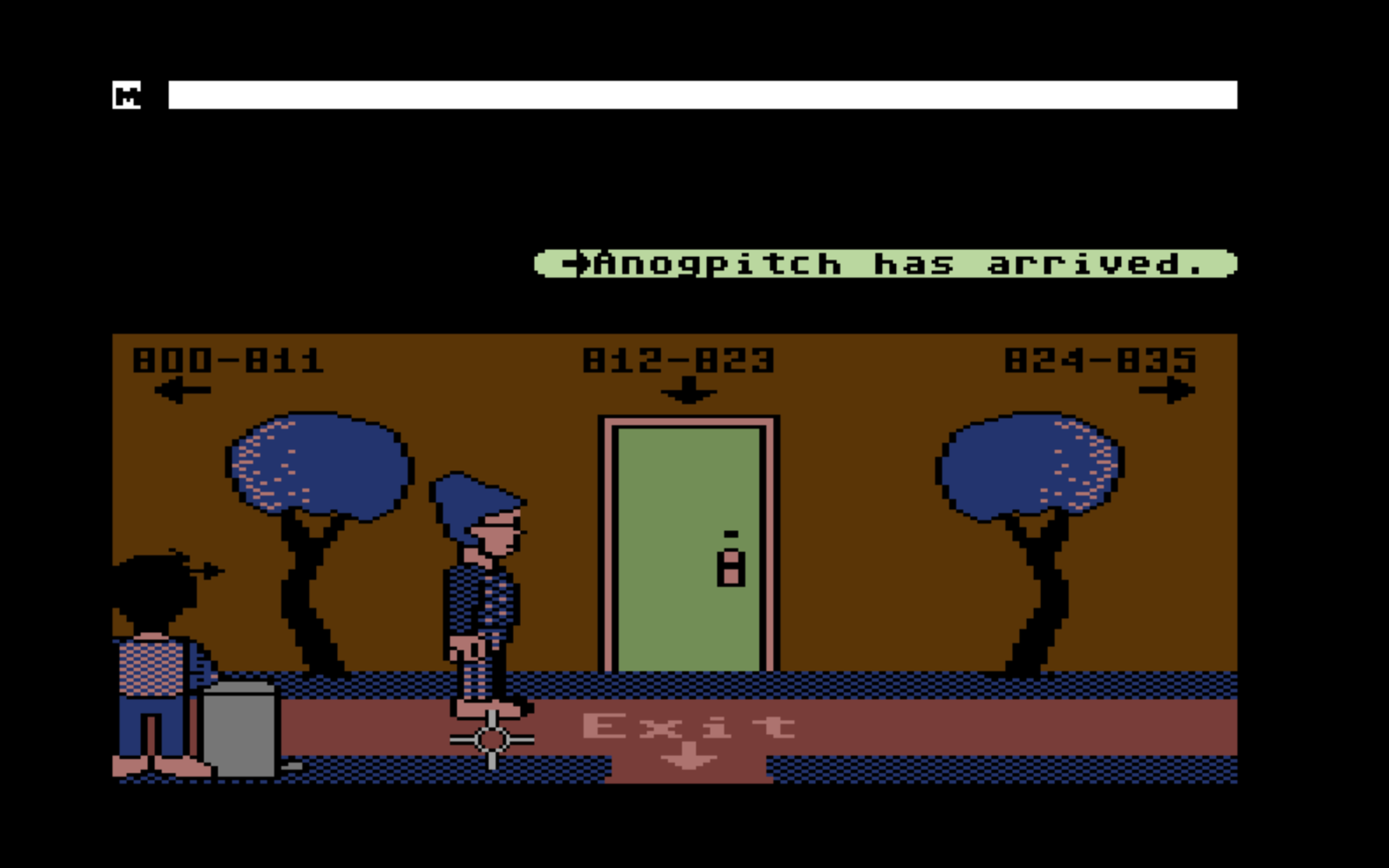
In the original Habitat, you would appear in your turf to begin with which sounds cool, but for a first timer appearing in the Popustop apartment building with hundreds of turfs and many floors, navigating that to get out into the big wide world doesn't sound like a great idea.
So if you haven't already given NeoHabitat a try, there's never been a better time to do so. Come and experience a piece of history with us. Create a new avatar to your own specifications.
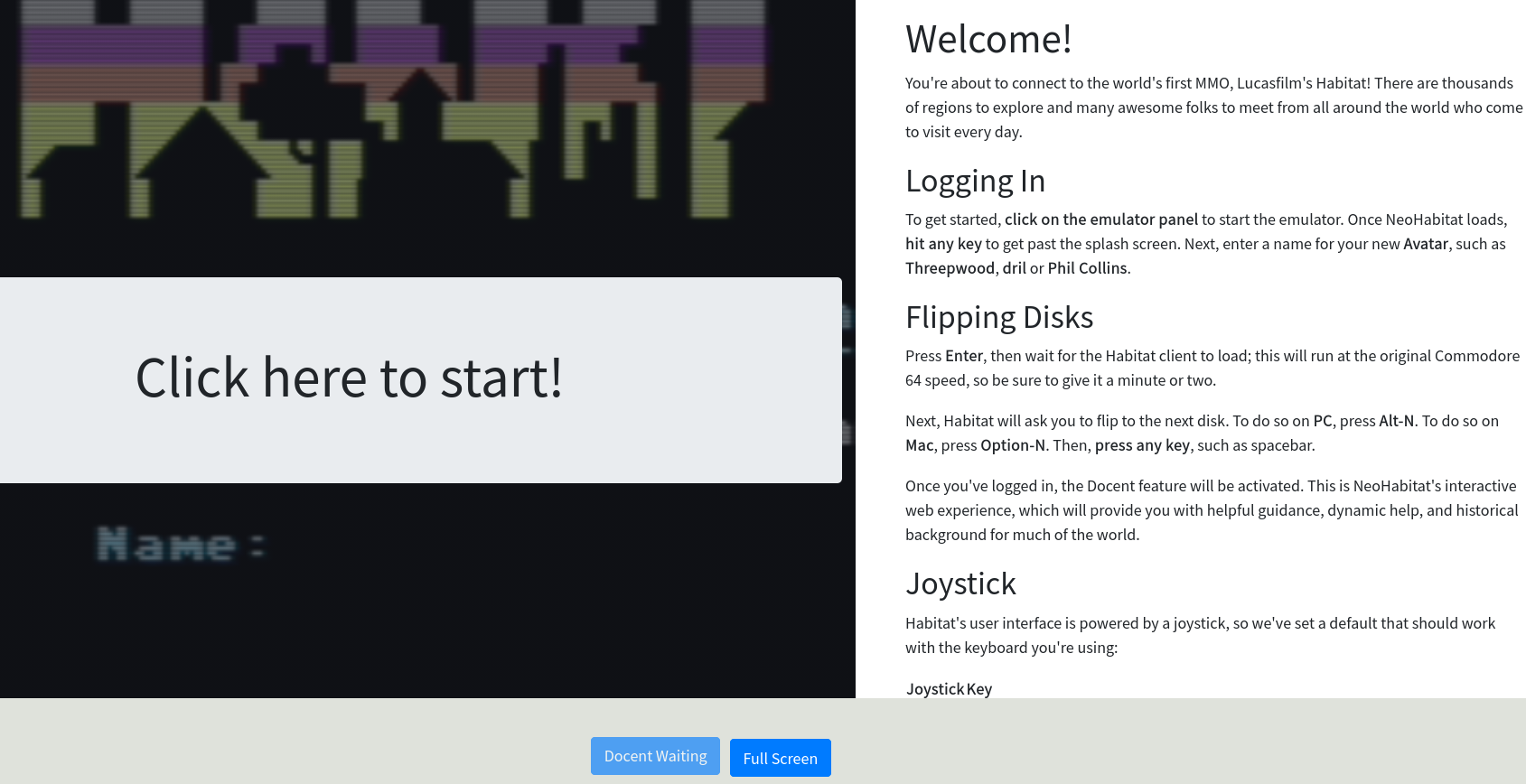
We have a web browser client with a built in "docent" feature that will help you navigate and tell you about historically interesting stuff alongside your game client. You can also run NeoHabitat on a real Commodore 64 if you're interested in using period accurate hardware.
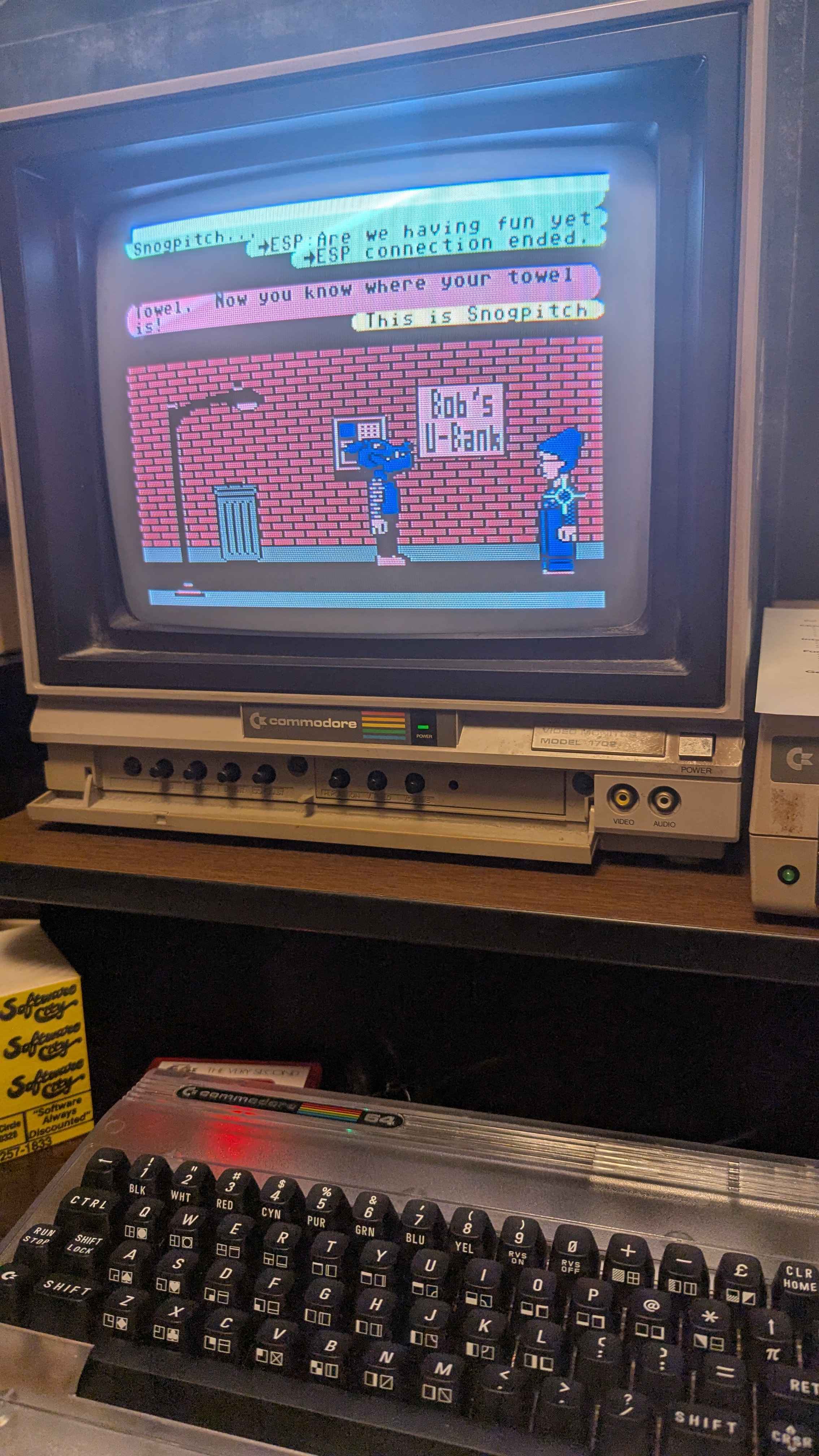
Steve also updated the Habitat client so it would work on the new Commodore 64 Ultimate created by the new Commodore revival. It's been turned into the equivalent of a cartridge, so you also may get an added boost in speed (within reason as the game still relies on certain timing and speeds).
That's all for now, but if you'd like to keep up with the NeoHabitat development efforts you can keep an eye on the GitHub repository or join The Museum of Art and Digital Entertainment Discord server and join the #habitat-general channel. New contributors are always welcome.